Keeping your smart kitchen appliances in tip-top shape is easier than you think! A little routine maintenance can go a long way in making sure everything runs smoothly. Here are some simple tips to help you keep everything functioning as it should.
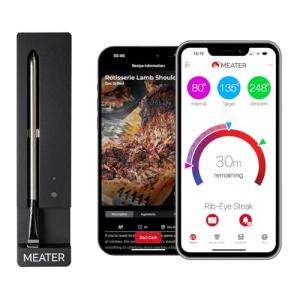
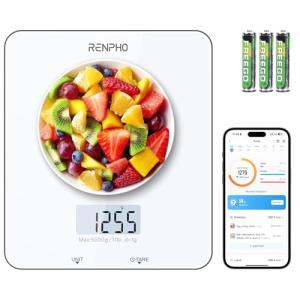
First up, always check for software updates. Just like your phone, your appliances can benefit from the latest features and bug fixes. Most devices will notify you when there's an update, but it doesn't hurt to check manually. Pop into the app or settings menu every couple of weeks to see if there's anything new.
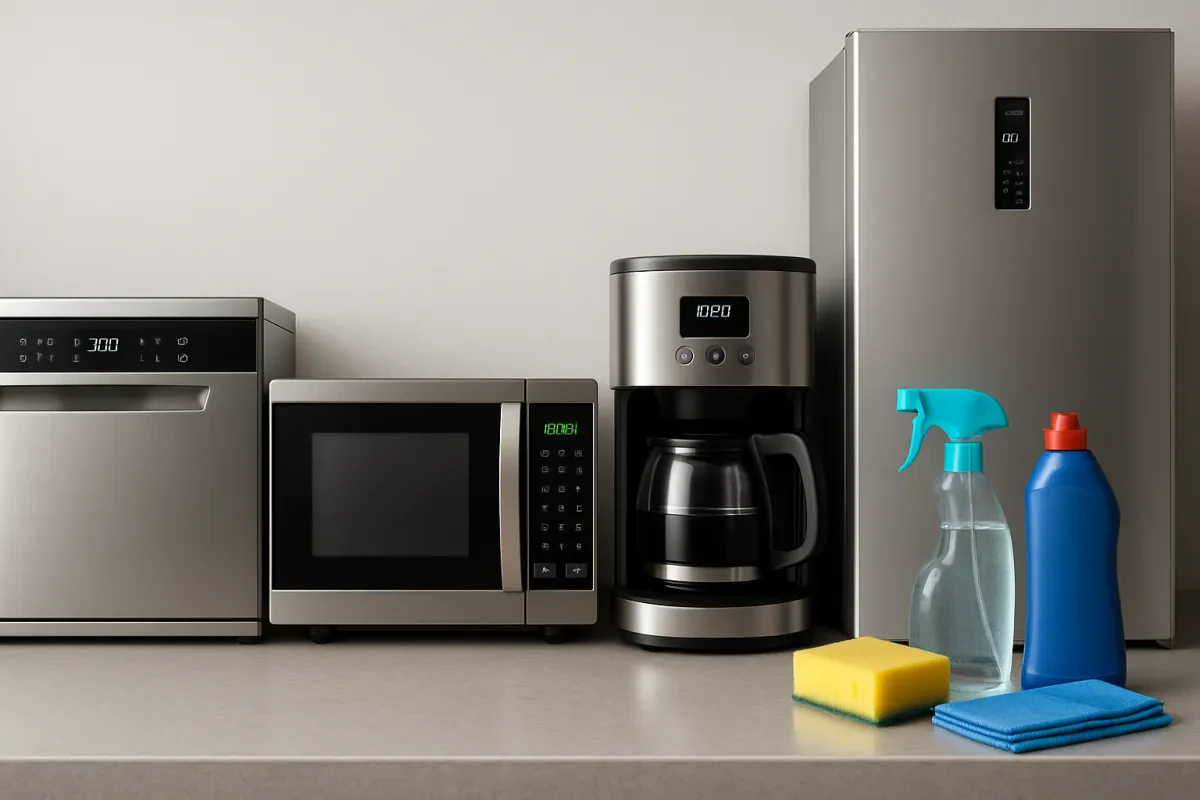
Next, clean your appliances regularly. Grime and grease can build up and mess with performance. For example, wipe down your smart fridge and oven with a gentle cleaner. Not only will this keep them looking sharp, but it will also help prevent any weird smells or malfunctions down the line.
Don’t forget about the filters! Many smart appliances like dishwashers and air fryers have filters that need cleaning or replacing. Check the owner’s manual for guidance on how often to change them. A clean filter can improve efficiency, which is a win for both your food and your energy bill.
Lastly, pay attention to your appliance's performance. If something seems off—like weird noises or slower cooking times—don’t ignore it. Addressing small issues now can save you from bigger headaches later. Trust your instincts; if it feels wrong, it probably is!
Troubleshooting Common Appliance Issues
Sometimes your smart kitchen appliances might throw a little tantrum. It happens to the best of us! Here are some common issues you might face and how to tackle them.
1. Appliance Won't Turn On
If your gadget isn’t budging, first check if it’s plugged in. It sounds simple, but it’s easy to overlook. Next, make sure there’s power in the outlet. If your other devices are working fine, try resetting the appliance by unplugging it for a minute and plugging it back in.
2. Wi-Fi Connection Problems
Smart appliances love a good internet connection. If your appliance isn’t connecting, ensure your Wi-Fi is on and working. Sometimes, moving your router closer helps. You can also try restarting your router or the appliance itself. A little reboot can work wonders!
3. App Issues
If you’re having trouble with the app that controls your appliance, make sure you have the latest version. Check your phone’s app store for updates. If it’s updated but still acting funky, delete and reinstall the app. It usually solves the problem!
4. Unusual Noises or Smells
Strange noises or weird smells? That’s a sign to pay attention. Sometimes it’s just a buildup of residue. Give your appliance a good clean, especially the parts that are harder to reach. If those noises continue, it could mean internal issues, and it’s best to reach out to customer support.
Updating Software for Optimal Performance
Keeping your smart kitchen appliances in tip-top shape means staying on top of software updates. These updates often boost performance, fix bugs, and even add cool new features. It’s like giving your appliance a little upgrade every now and then.
Checking for updates is usually simple. Most appliances will notify you when an update is available, but you can also dive into the settings menu to see what’s up. Just look for an "Updates" or "Software" section. If you find an update ready to go, hit that button and let it do its thing. Don't forget to have your appliance connected to Wi-Fi so it can download the latest software.
Make updating a part of your routine. Schedule a regular time, maybe once a month, to check in on your devices. This way, you won't miss out on important improvements. Also, remember that keeping your appliance plugged in during updates is key. You don’t want it to run out of battery halfway through!
If you ever run into issues, don’t panic. Most brands have a support section on their websites where you can find troubleshooting tips or even chat with customer service. They’re there to help you get your gadgets back in action. Happy cooking!
Cleaning Strategies for a Sparkling Kitchen
Keeping your kitchen sparkling doesn't have to be a chore. With the right strategies, you can make cleaning quick and easy, especially around your smart appliances. Here are some helpful tips to keep your space looking fresh and functioning well.
Start by decluttering your counters. When there's less stuff around, it's easier to wipe down surfaces. Plus, it helps your smart appliances stand out. Grab a microfiber cloth or a damp sponge and give your countertops a good scrub. For those sticky spots, a little dish soap mixed with water does wonders.
Don’t forget about your smart gadgets! Regularly clean the exterior of appliances like your smart oven and refrigerator. A soft cloth is perfect for this. It’s quick and keeps them in tip-top shape. If you notice any grime or spills, tackle them right away so they don't become tougher to clean later.
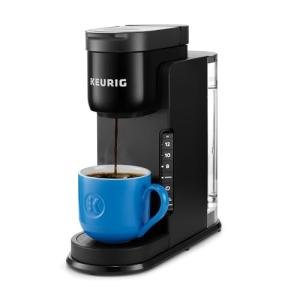
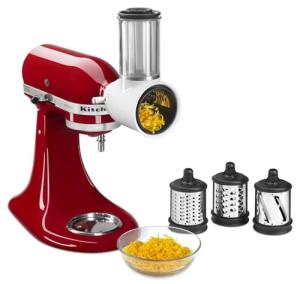
For your smart coffee maker or blender, follow the manufacturer’s cleaning recommendations. Most of these appliances have removable parts that you can pop in the dishwasher for a deep clean. Just make sure to rinse everything well to avoid any soap residue.
Lastly, don’t overlook your smart cooking tools. Items like air fryers or multi-cookers can get gunky inside. Give them a nice soak and then a gentle scrub to keep them smelling fresh. Regular maintenance can really extend their life and keep your kitchen looking its best!